
How to Edit Wedding Photos Consistently: A Professional Framework for 2026
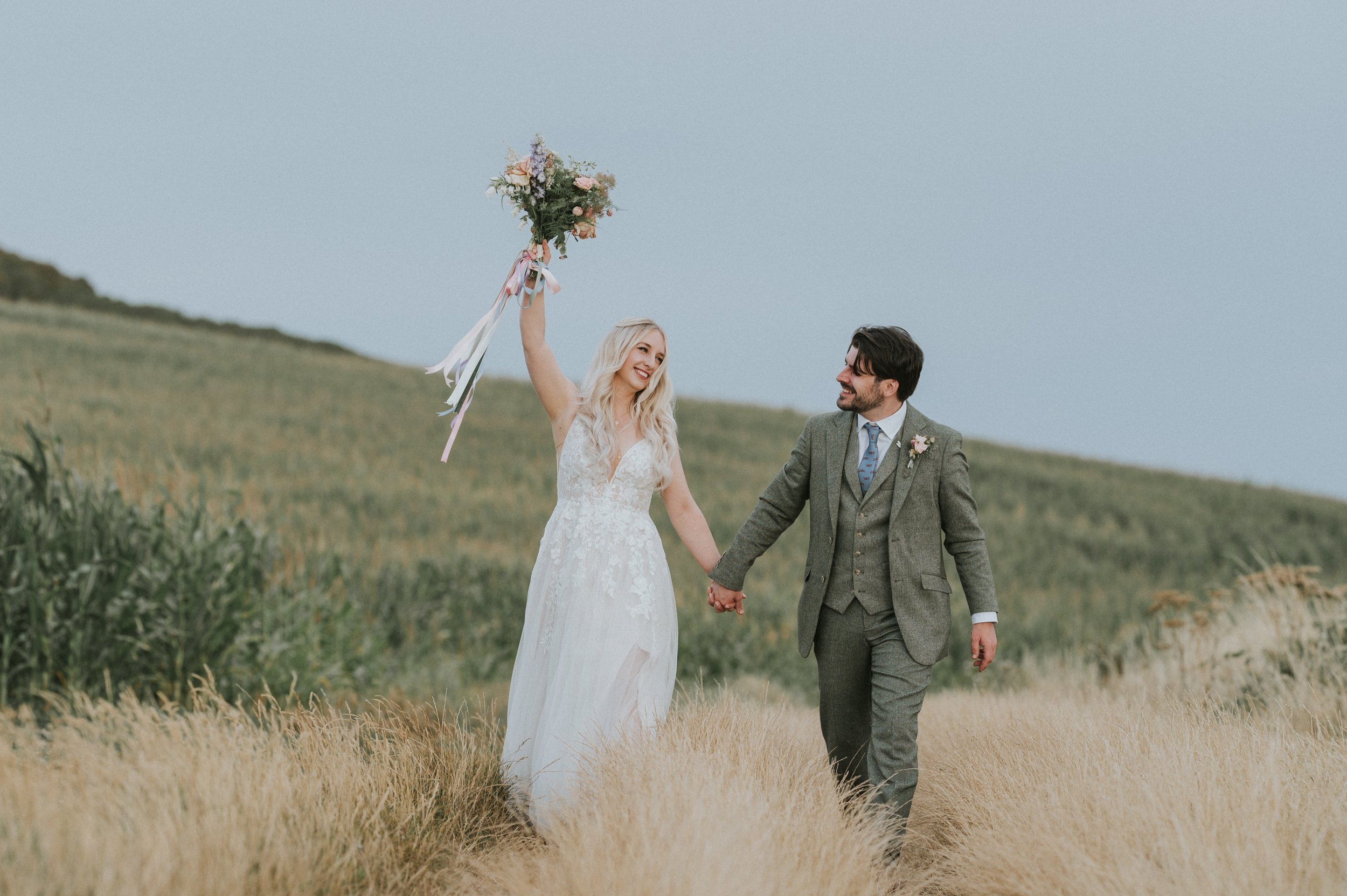
The mark of a true professional isn't found in a single breathtaking frame, but in the seamless visual continuity of an entire five-hundred-image gallery. You likely understand the exhaustion of spending hours adjusting individual shots, only to find that skin tones still shift between a sun-drenched ceremony and a candlelit reception. When a portfolio lacks a unified aesthetic, it often feels as though the brand's identity is in a state of constant flux. Learning how to edit wedding photos consistently is the definitive step toward transforming your craft from a time-intensive labour into a streamlined, recognisable professional asset.
By adopting a disciplined "capture-to-correction" workflow, you can significantly reduce post-production time while maintaining the high standards required in the 2026 wedding market. This article provides a structured framework designed to help you master both the technical and creative elements of the editing process. We'll examine how to cultivate a signature look that remains stable across varied lighting environments, ensuring every delivery reflects the prestige and quality of a master photographer.
Key Takeaways
Define consistency as a narrative thread across exposure and colour temperature to elevate your work to professional standards.
Understand why it's essential to use manual mode as the foundation for a fast and uniform editing workflow.
Master how to edit wedding photos consistently by categorising your workflow by lighting conditions rather than chronological order.
Learn to neutralise challenging colour casts and bridge the visual gap between varied environments, from dim ceremonies to bright receptions.
Explore the benefits of structured guidance to refine your signature style and eliminate post-production fatigue.
Table of Contents
What Does Consistent Wedding Photo Editing Actually Mean?
Consistency in wedding photography is often misunderstood as merely applying a specific aesthetic or a popular "look" to a set of images. In reality, it represents the technical and narrative glue that binds a diverse collection of moments into a single, professional story. When you master how to edit wedding photos consistently, you are creating a predictable visual experience for your clients. This reliability is the primary marker of a professional; it suggests that your results are the product of a refined system rather than fortunate accidents.
From a psychological perspective, a cohesive gallery provides a sense of calm and order. When exposure, contrast, and colour temperature fluctuate wildly from one image to the next, the viewer's brain must constantly recalibrate. This creates subtle visual friction that can detract from the emotional impact of the wedding day. Conversely, a gallery that flows seamlessly from the soft morning light to the high-contrast reception feels intentional and high-end. This level of craftsmanship builds significant brand trust, allowing you to justify professional fees that reflect your status as a master of the discipline.
The Three Pillars of Visual Cohesion
To achieve a truly unified gallery, you must address three specific technical areas. Tonal consistency involves managing the relationship between highlights and shadows so that the "weight" of your images remains stable. Colour constancy is perhaps the most difficult to master, as it requires ensuring that skin tones remain identical regardless of whether the subject is standing in a lush garden or a dimly lit church. This is where a deep understanding of What is Color Grading? becomes essential, as it allows you to manipulate hues to maintain your signature palette. Finally, stylistic uniformity ensures that elements like grain, sharpness, and saturation levels are applied with a deliberate, even hand throughout the entire set.
Why Presets Are Not a Total Solution
Many photographers fall into the trap of believing that a "one-click" preset is the secret to a professional finish. While presets are valuable tools for efficiency, they cannot account for the vast differences in sensor data and lighting environments encountered during a wedding. A preset that looks beautiful in soft, overcast light will often fail when applied to a high-noon ceremony or a room filled with orange tungsten bulbs. Moving toward a workflow-led approach means you understand the "why" behind your adjustments. This transition is vital for anyone learning how to edit wedding photos consistently, as it shifts the focus from fixing individual mistakes to executing a pre-defined visual strategy.
The Foundation of Consistency: Capture-Side Discipline
A common misconception within the industry is that the post-production phase begins only once you've imported your files into a catalogue. In truth, your ability to understand how to edit wedding photos consistently is dictated by the discipline you exercise while the camera is still in your hands. If your RAW files are a chaotic mix of fluctuating exposures and shifting colour temperatures, no amount of software expertise can create a truly cohesive gallery without an immense investment of labour. Professionalism starts with the creation of a uniform data set.
Operating in Manual Mode is the only reliable method for ensuring that every frame within a specific lighting environment shares the same technical DNA. When you allow the camera to make decisions via semi-automatic modes, you introduce variables that force you to treat every image as a unique problem to solve. By locking in your settings, you ensure that a single adjustment in post-production can be applied across hundreds of frames with surgical precision. This approach respects the science of Image appearance modeling, which dictates how we perceive light and colour across different mediums.
Mastering Kelvin for Colour Stability
Auto White Balance (AWB) is often the primary cause of inconsistent skin tones. The camera’s internal logic frequently shifts the temperature based on the dominant colours in the frame, such as a large green hedge or a vibrant floral arrangement. To prevent this, you should set a specific Kelvin value for each segment of the day. Using 5600K for outdoor portraits or 3200K for tungsten-lit speeches provides a stable baseline that eliminates colour drift. Employing a grey card during the initial setup of each scene allows you to establish a perfect skin tone reference, a technique we explore deeply in our wedding photography training course in the UK.
Uniform Exposure and the Histogram
Maintaining a consistent exposure requires a proactive relationship with your camera’s histogram. Rather than relying on the LCD preview, which can be misleading in bright sunlight, you must ensure that your data density remains similar across a sequence of shots. By exposing for the highlights, you preserve the delicate details in the wedding dress and prevent exposure creep during fast-moving moments. Achieving a uniform exposure across your entire gallery can reduce your total editing time by up to 50%. This technical rigour is what allows you to learn how to edit wedding photos consistently while reclaiming your personal time.
A Professional Workflow for Cohesive Editing
The transition from capture to curation requires a shift in perspective. Rather than following the chronological timeline of the day, a professional workflow prioritises the lighting environment as the primary organisational unit. By grouping images based on their technical data, such as those shot in open shade or under tungsten reception lights, you allow your eyes to adapt to a specific colour palette. This method is the most effective way to learn how to edit wedding photos consistently, as it prevents the visual fatigue that occurs when jumping between disparate light sources.
Consistency is not a byproduct of speed; it is the result of a deliberate, structured approach. When you treat the gallery as a series of lighting chapters rather than a thousand individual problems, the narrative thread becomes much easier to maintain. This structured mindset ensures that the final delivery feels like a single, unified collection of work that reflects your brand's high standards.
The Anchor Image Methodology
The most significant gap in many editing workflows is the absence of a reference point. For each lighting segment, you should select one Anchor Image that represents the ideal exposure and skin tone for that specific scene. Once this frame is perfected, use the Reference View tool in your software to compare subsequent images side-by-side. This ensures that the warm glow of the golden hour or the cool tones of a cathedral remain stable throughout the sequence. Focus on the Basic panel first, adjusting white balance and exposure to match the anchor before moving to more specialised tools like HSL or Tone Curves.
Efficient Batch Editing and Syncing
Once your anchor is set, batch processing becomes a matter of precision rather than guesswork. Tools such as the Match Total Exposures command can rapidly level a sequence of shots that may have slight variations in shutter speed. Using Auto-Sync allows you to apply corrections to multiple files in real-time, which is essential for maintaining a high-volume output without sacrificing quality. This efficiency is a core component of how to edit wedding photos consistently while protecting your profit margins.
The final pass should always be a culling for visual flow. This stage involves scrolling through the gallery at high speed to identify any popping frames that break the narrative rhythm. If a transition from an outdoor portrait session to an indoor dinner feels jarring, it often indicates a failure in tonal matching. Rectifying these small discrepancies is what separates a standard gallery from a professional one, ensuring the emotional transition between scenes feels entirely natural to the viewer.
Solving the Consistency Crisis: Handling Mixed Lighting
The most significant challenge for any photographer is maintaining a unified aesthetic when the lighting conditions are in a state of constant flux. You might find yourself moving from the cool, blue-toned shadows of a stone cathedral to the vibrant, high-contrast warmth of a sunny garden within the space of an hour. Many amateur guides suggest individual tweaks for every frame, but the secret to how to edit wedding photos consistently lies in identifying a common tonal denominator that transcends the environment. This approach ensures that your portfolio remains a cohesive representation of your brand rather than a disjointed collection of separate events.
The "Skin Tone First" rule is a vital principle in this process. While it's tempting to strive for perfect colour accuracy in the background, your primary responsibility is the human subject. If the couple's skin looks natural and healthy, the viewer will often forgive a slightly warm background or a cool shadow. Prioritising the subject ensures that the gallery feels grounded in reality, even when the environments vary. This focus on the human element is what creates an emotional connection, allowing the technical work to sit quietly in the background.
Correcting White Balance Discrepancies
Neutralising heavy colour casts requires a methodical use of the eyedropper tool on neutral surfaces, such as a white shirt or a grey stone wall, to reset your baseline. Mixed lighting environments, where window light meets indoor tungsten bulbs, are particularly treacherous. In these instances, you must decide which light source is the primary one and allow the other to exist as a secondary, atmospheric element. Refining the HSL panels allows you to desaturate "poisonous" colours, such as the neon green reflected from grass onto a subject's face, without affecting the overall vibrancy of the image.
Maintaining Contrast and Dynamic Range
Contrast acts as the visual signature of your work. To ensure a cohesive feel, you must keep your "Black Point" consistent across the entire gallery. If your blacks are deep and rich in the morning, they shouldn't suddenly become faded or "crushed" during the reception. Using Tone Curves allows you to create a unified contrast profile, whether you prefer a cinematic film-like look or a crisp, modern aesthetic. Professional consistency is often found in the shadows, not the highlights.
When technical corrections fail to bridge the gap between two disparate scenes, black and white conversion serves as a powerful narrative tool. However, it shouldn't be used as an emergency fix for poor lighting. Instead, use it to highlight raw emotion or to provide a visual "breath" within the gallery, ensuring that the transition between lighting chapters remains intentional and sophisticated. To further refine these high-level techniques, consider applying for the IOWP Awards and Membership to benchmark your consistency against the highest industry standards.
Elevating Your Craft: The Path to Professional Mastery
Self-teaching often reaches a plateau where progress feels stagnant and the path forward remains obscured. While digital resources are abundant, they frequently lack the cohesive structure required to manage the complexities of a high-volume wedding business. This fragmentation often leads to "Editing Fatigue," a state where the sheer volume of a gallery results in a gradual decline in technical precision. To truly understand how to edit wedding photos consistently, you must move beyond the cycle of trial and error. Enrolling in a formal wedding photography training course in the UK provides the academic rigour necessary to transform artistic passion into a disciplined, sustainable career path.
Personalised feedback is the most effective tool for identifying the "blind spots" that exist within your current workflow. You may be unaware of subtle shifts in your tonal palette. A structured environment allows for these nuances to be addressed with professional clarity, ensuring that your work meets the exacting standards of the modern market. This transition is essential for anyone aiming to be a recognised professional through the IOWP, where consistency is viewed as a hallmark of excellence.
The Role of Professional Mentorship
The Wedding Photography Mentorship Program offers a comprehensive critique that moves far beyond the scope of a standard tutorial. Instead of focusing on isolated frames, a mentor examines the narrative flow of your entire gallery. This process ensures that the technical capture discipline discussed in previous sections is matched by a sophisticated post-production strategy. By following a disciplined curriculum rather than fragmented online advice, you can build a portfolio that demonstrates the unwavering consistency required to attract high-end clients.
Joining a Community of Excellence
Professional growth is rarely achieved in isolation. It requires the steady hand of a community that values industry standards. Engaging in Institute of Wedding Photographers events provides an opportunity to refine your technical skills alongside peers who share your commitment to the craft. This collaborative environment fosters a culture of peer review and shared knowledge, which is vital for maintaining a competitive advantage. Mastering how to edit wedding photos consistently is not merely a technical goal, but a commitment to the long-term integrity of your brand.
As you refine your system from capture to delivery, remember that quality education is an investment in your creative future. A structured workflow allows you to deliver professional results that stand the test of time, ensuring every client receives a cohesive masterpiece. Explore our range of professional photography courses and workshops to master your workflow and begin your journey toward industry certification.
Defining Your Professional Signature
Achieving a cohesive gallery is a journey that begins with technical rigour and ends with a refined artistic perspective. By prioritising manual capture and adopting the anchor image methodology, you move beyond the limitations of one-click presets. This structured approach ensures your portfolio remains stable regardless of the lighting challenges 2026 may bring. Learning how to edit wedding photos consistently is the definitive way to build brand trust and secure your place as a high-standard professional.
Our curriculum is designed to support this transformation through a proven portfolio-building methodology and direct mentorship from industry-leading wedding professionals. With the added advantage of official IOWP Award integration, you can validate your progress within a prestigious global community. It's time to reclaim your post-production hours and deliver work that truly stands the test of time.
Master your workflow with our Professional Wedding Photography Training and take the next step toward industry mastery. Your creative journey deserves the stability of a guided, academic path.
Frequently Asked Questions
How do I keep skin tones consistent across different lighting?
Prioritise the subject's skin by using the white balance eyedropper on a neutral surface and then fine-tuning the HSL orange and yellow sliders. Consistency is maintained by ensuring the luminosity and saturation of the skin remain stable even as the background light changes. This technique ensures that the couple looks the same in a shaded forest as they do in a sun-drenched field.
Should I use the same preset for the whole wedding?
You shouldn't rely on a single preset for an entire gallery without manual intervention. While a signature preset provides a stylistic baseline, you must create variations for different lighting conditions, such as indoor tungsten or bright midday sun. This allows you to maintain your brand's visual identity while accounting for the specific technical requirements of each scene.
How can I speed up my wedding photo editing workflow?
To learn how to edit wedding photos consistently at scale, you must master batch processing tools like "Match Total Exposures" and "Auto-Sync." Grouping your catalogue by lighting environment rather than chronology allows you to apply corrections to hundreds of similar frames simultaneously. This systematic approach reduces the need for individual tweaks and protects your profit margins by saving hours of post-production time.
What is the best way to match two different camera bodies?
Matching different camera bodies requires using specific camera profiles or calibration tools within your editing software. Since different sensors interpret colour differently, you should apply a "Camera Matching" profile to ensure the RAW data from a second body aligns with your primary equipment. This step is vital for ensuring the gallery feels like it was captured by a single, unified eye.
Is it okay to deliver a mix of colour and black and white photos?
Delivering a curated mix of colour and black and white images is a professional standard that adds narrative depth to a gallery. Use monochrome conversions to emphasise raw emotion or to resolve unsolvable mixed-lighting issues, provided the contrast levels match your colour work. It's essential that the black and white edits feel intentional rather than like an emergency fix for poor exposure.
How do I handle editing photos taken in very dark reception venues?
Managing dark reception photos involves a careful balance between preserving the evening's atmosphere and maintaining image clarity. Focus on keeping your black point stable and using subtle grain to mask digital noise, which prevents the images from looking overly processed. This ensures these high-ISO shots still feel like they belong to the broader, high-quality gallery aesthetic.
Why do my edited photos look different on my phone compared to my monitor?
Discrepancies between devices usually stem from a lack of monitor calibration or using the wrong colour space for export. You should always edit on a calibrated screen and export your final files using the sRGB colour profile. This ensures that your work remains visually consistent across various smartphones, tablets, and social media platforms used by your clients.
How many photos should a consistent wedding gallery include?
A professional gallery typically contains between 400 and 800 images, depending on the duration of the coverage and the complexity of the event. The focus should always be on the narrative flow and technical quality rather than sheer volume. A smaller, perfectly consistent gallery is far more valuable to a client's brand experience than a larger, disjointed collection.